The cybersecurity landscape in 2026 is defined by unprecedented sophistication. Threat actors are leveraging generative AI, highly evasive polymorphic code, and zero-day exploits to bypass traditional perimeter defenses.
For modern Security Operations Centers (SOCs) and incident response teams, signature-based detection is no longer sufficient.
To truly understand and neutralize an unknown threat, security professionals must observe its behavior in a secure, isolated environment.
This is where advanced malware sandbox tools become indispensable. A malware sandbox provides a highly controlled, virtualized environment where suspicious files, URLs, and memory artifacts can be safely executed and analyzed.
By monitoring API calls, registry modifications, file system changes, and network traffic, these tools expose the true intent of evasive malware before it can inflict damage on the production network.
Incorporating a robust sandbox into your architecture is a critical step in defending against modern ransomware attacks and sophisticated supply chain compromises.
How We Researched and Chose This List
Selecting the premier malware analysis platforms requires a rigorous, practitioner-focused approach.
Our methodology is rooted in the principles of Google EEAT (Experience, Expertise, Authoritativeness, and Trustworthiness), ensuring this guide serves as a highly reliable resource for enterprise security architects.
We did not rely on marketing brochures; instead, we simulated real-world SOC workflows.
Our evaluation process involved deploying these solutions against a curated dataset of the latest evasive malware strains, including zero-day droppers and fileless memory threats.
We assessed each platform based on its evasion resistance (how well it hides its virtualized nature from the malware), the depth of its memory and kernel-level visibility, and the speed at which it generates actionable threat intelligence.
Furthermore, we heavily weighted API accessibility and integration capabilities with existing SIEM and SOAR platforms, as automated threat response is mandatory for modern cybersecurity teams.
Key Features That Define a Modern Sandbox
Before investing in an enterprise-grade sandbox, security teams must evaluate several critical factors beyond basic file detonation.
Modern threats actively look for virtual machine artifacts to delay execution, meaning a top-tier sandbox must feature bare-metal provisioning or advanced anti-evasion countermeasures.
Additionally, comprehensive mapping to the MITRE ATT&CK framework is non-negotiable, as it translates raw technical data into understandable adversary tactics and techniques.
Seamless integration into the broader security fabric—allowing for automated zero-day blocking across firewalls, endpoints, and email gateways—separates legacy products from next-generation platforms.
Finally, support for diverse operating systems, including customized Windows environments, Linux kernels, and mobile OS architectures, is essential to cover the expanding attack surface.
Malware Sandbox Feature Comparison
Below is a quick-reference guide evaluating the core deployment and capability features of our top picks.
| Sandbox Platform | Cloud-Native Option | On-Premises Option | MITRE ATT&CK Mapping | API & SOAR Integration |
| Cisco Secure Malware Analytics | Yes | Yes | Yes | Yes |
| Palo Alto WildFire | Yes | Yes | Yes | Yes |
| FireEye Malware Analysis (AX) | Yes | Yes | Yes | Yes |
| Zscaler Cloud Sandbox | Yes | No | Yes | Yes |
| FortiSandbox | Yes | Yes | Yes | Yes |
| Broadcom Symantec Content Analysis | Yes | Yes | Yes | Yes |
| Check Point SandBlast Network | Yes | Yes | Yes | Yes |
| Kaspersky Sandbox | Yes | Yes | Yes | Yes |
| Trend Vision One | Yes | Yes | Yes | Yes |
| Crowdstrike | Yes | Yes | Yes | Yes |
Top 10 Best Malware Sandbox Tools
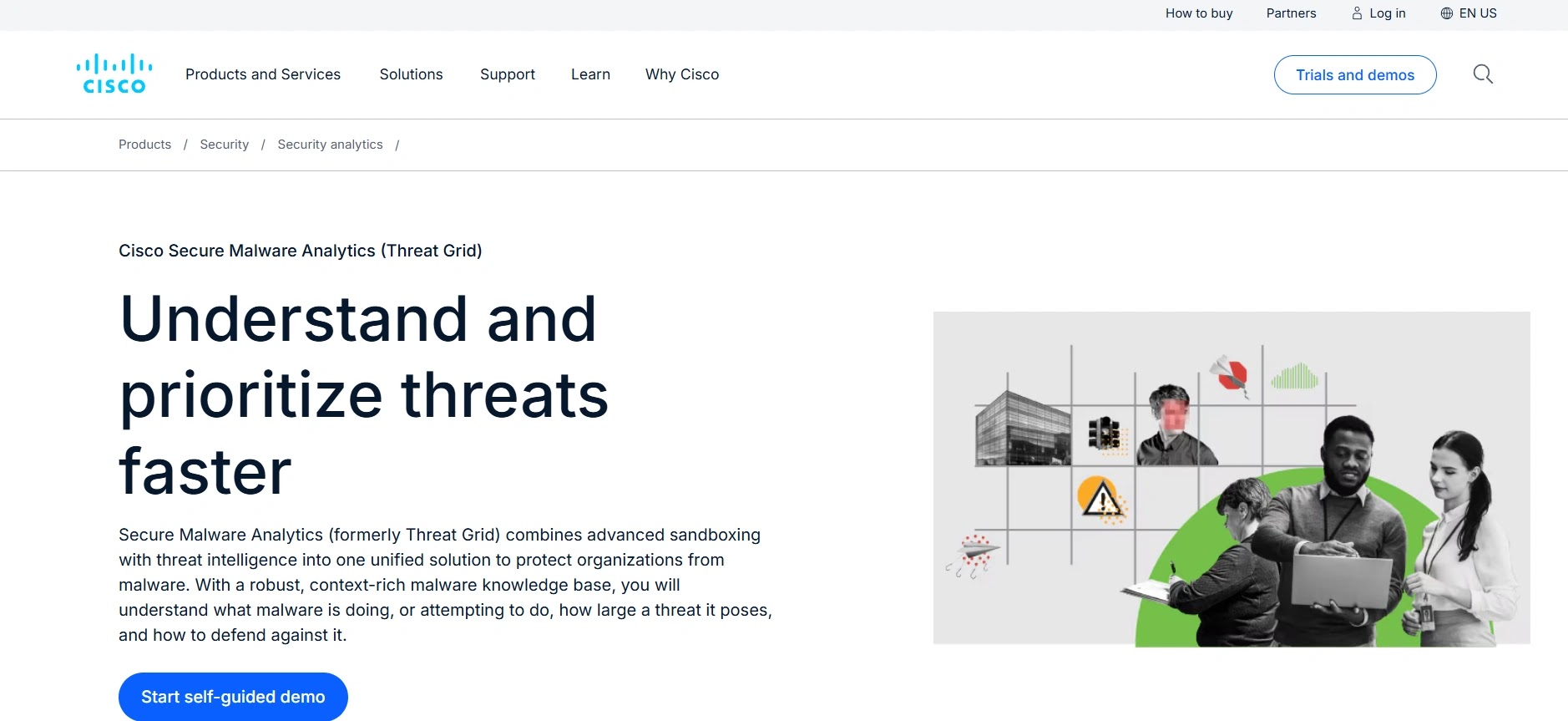
1. Cisco Secure Malware Analytics (Formerly Threat Grid)
Cisco Secure Malware Analytics represents a pinnacle in context-rich threat analysis, seamlessly blending deep file detonation with global threat intelligence.
Driven by the massive telemetry of Cisco Talos, it doesn’t just tell you what a file does; it tells you where else it has been seen globally.
Designed for enterprise environments, it provides highly detailed behavioral indicators and threat scores, making it incredibly straightforward for analysts to prioritize incidents.
Its ability to extract comprehensive forensic data, including PCAPs and memory dumps, makes it a powerful asset for deep-dive incident response.
- Specifications: Available as a cloud-based SaaS, on-premises appliance, and fully integrated into the Cisco SecureX platform architecture.
- Features: Proprietary Glovebox technology for safe interaction with malware, dynamic analysis of over 100 behavioral indicators, native integration with Cisco endpoints and firewalls.
- Reason to Buy: Best-in-class threat intelligence context provided by Talos, making it ideal for organizations heavily invested in the Cisco security ecosystem.
Why We Picked It
We selected Cisco Secure Malware Analytics because its integration with the broader Cisco security ecosystem provides unmatched automated remediation capabilities. By leveraging Talos intelligence, it turns isolated sandbox detonations into global context in seconds.
Furthermore, the interactive Glovebox feature allows analysts to safely interact with evasive threats that require human clicks to execute. This ensures that even the most complex, delayed-execution malware is accurately profiled and neutralized.
Pros:
- Unparalleled global threat intelligence correlation.
- Excellent API for workflow automation.
- Highly interactive analyst environment.
Cons:
- The interface can be overwhelming for junior analysts.
- Maximum value is only realized if using other Cisco security products.
Try Cisco Secure Malware Analytics: Explore the Cisco Secure Malware Analytics Environment2. Palo Alto WildFire
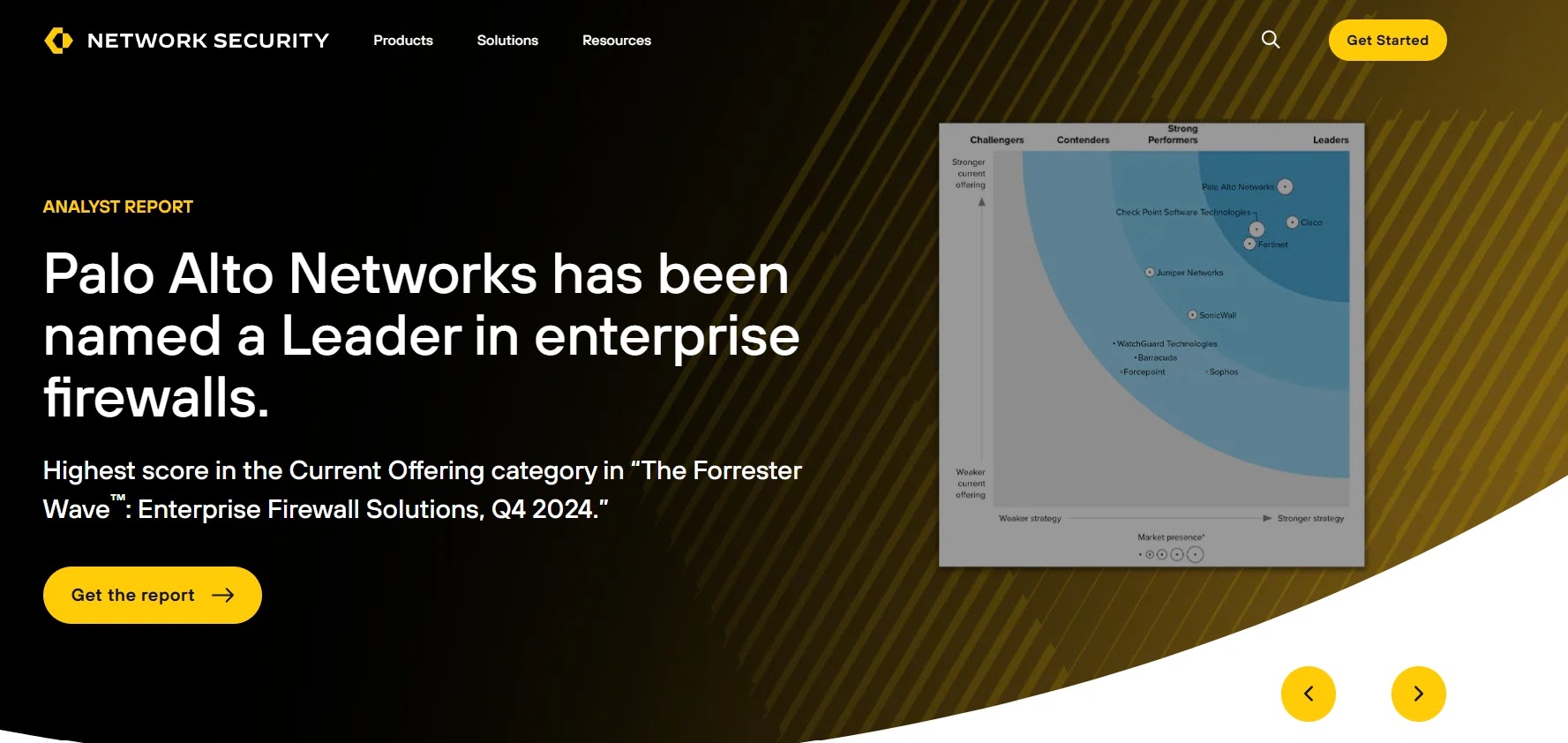
Palo Alto WildFire is a cloud-based, machine-learning-driven threat analysis engine that acts as the backbone for advanced threat prevention across the Palo Alto Networks ecosystem. It excels at identifying zero-day exploits and highly evasive malware at scale.
By utilizing a combination of dynamic analysis, static analysis, machine learning, and bare-metal execution, WildFire ensures that malware cannot easily hide.
It automatically generates and distributes preventative signatures to all connected firewalls globally within seconds of a new discovery.
- Specifications: Primarily cloud-delivered with optional localized appliances for strict data privacy requirements, supporting custom image deployments.
- Features: Custom hypervisor designed specifically to evade malware detection, bare-metal analysis for advanced evasion techniques, automated prevention signature generation.
- Reason to Buy: It offers the fastest time-to-prevention in the industry for organizations utilizing Palo Alto Next-Generation Firewalls, blocking zero-days almost instantly.
Why We Picked It
We selected Palo Alto WildFire due to its relentless focus on rendering evasive malware visible through its custom, anti-analysis hypervisor. It consistently catches advanced threats that easily bypass commercially available virtualization environments.
Additionally, its automated signature generation creates an immediate, global immunity effect across an enterprise’s entire network infrastructure. This rapid dissemination of threat intel drastically reduces the window of opportunity for attackers.
Pros:
- Extremely resilient to sandbox-evasion techniques.
- Near-instantaneous global signature updates.
- Massive scale and high processing throughput.
Cons:
- Heavy dependency on the Palo Alto ecosystem for enforcement.
- Reporting can sometimes lack deep, interactive reverse-engineering tools.
Try Palo Alto WildFire: Explore the Palo Alto WildFire Platform3. FireEye Malware Analysis (AX) (Now Trellix)
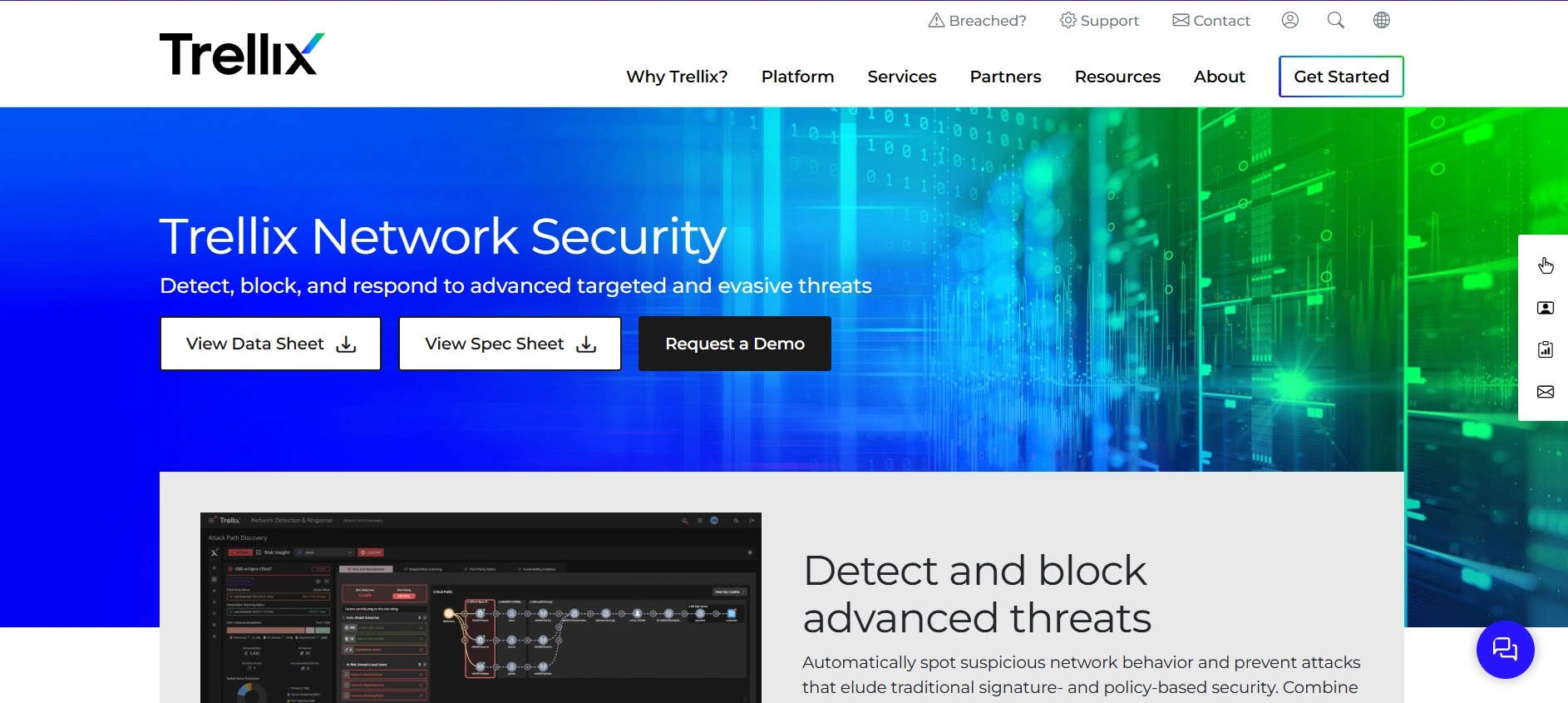
FireEye’s Malware Analysis (now part of the Trellix portfolio) is a legacy powerhouse that continues to set the standard for deep, forensic-level threat detonation.
Built around the proprietary Multi-Vector Virtual Execution (MVX) engine, it is renowned for capturing sophisticated, multi-stage attacks.
It captures a complete forensic footprint of the malware lifecycle, from initial exploitation to command-and-control callback.
This makes it an absolute favorite among senior reverse engineers and digital forensics and incident response (DFIR) professionals who require maximum visibility.
- Specifications: Available as a dedicated hardware appliance, virtual appliance, and cloud-hosted solution.
- Features: MVX engine for signature-less detection, comprehensive multi-vector analysis, highly detailed forensic artifact extraction (PCAP, memory strings).
- Reason to Buy: It provides the deepest, most granular level of forensic data available, making it the top choice for highly targeted organizations and government entities.
Why We Picked It
We chose FireEye (Trellix) AX because its MVX engine remains one of the most deterministic and reliable methods for capturing multi-stage, zero-day payloads. Its ability to trace complex execution chains is highly valuable for advanced threat hunting.
Furthermore, it provides incident responders with exactly the granular evidence needed—such as precise memory allocations and encrypted traffic captures. This dramatically accelerates the containment phase during critical data breach incidents.
Pros:
- Exceptional forensic depth and artifact extraction.
- Highly trusted by top-tier incident response teams.
- Superb at detecting multi-stage callbacks.
Cons:
- Hardware appliances can be highly expensive.
- Administrative overhead requires specialized training.
Try FireEye Malware Analysis: Explore the Trellix/FireEye Analysis Suite4. Zscaler Cloud Sandbox
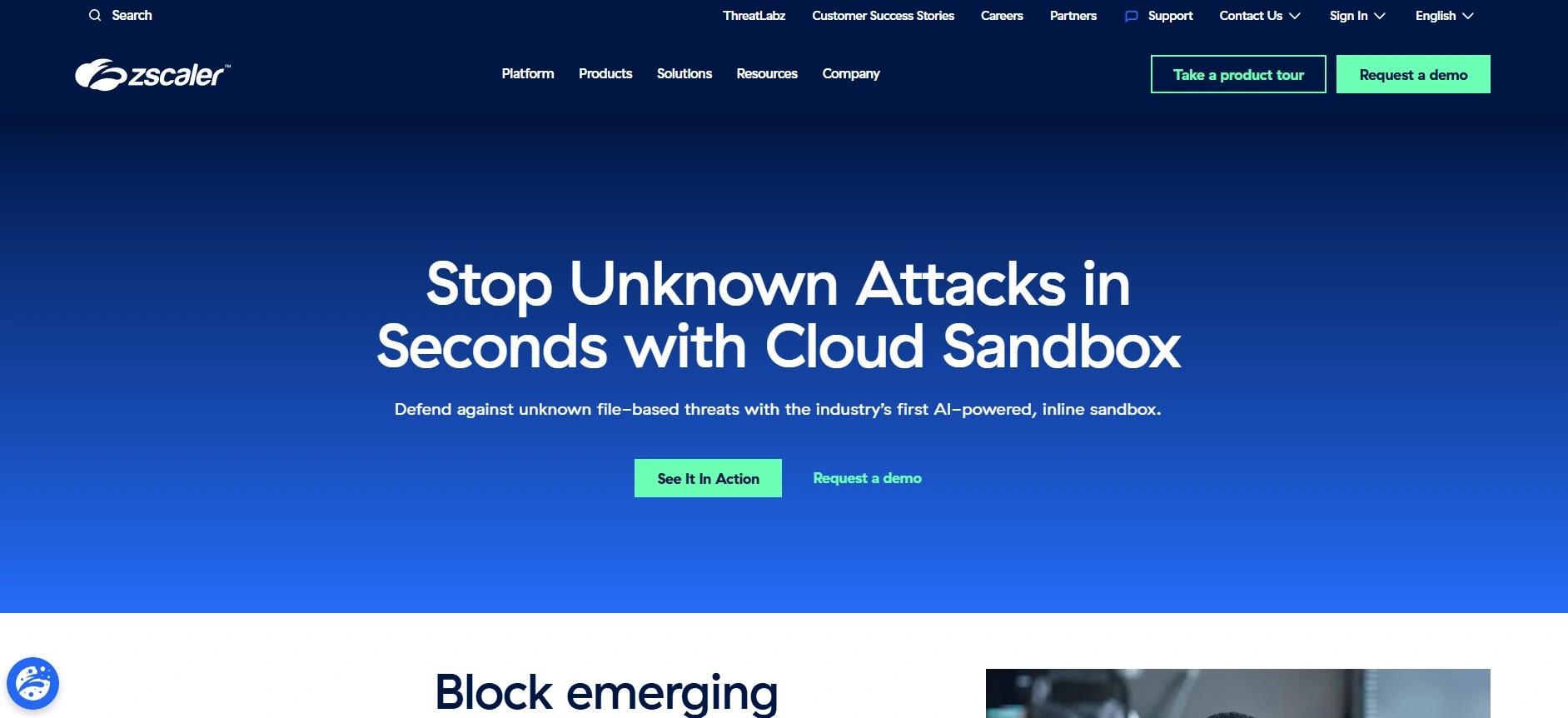
Zscaler Cloud Sandbox redefines how detonation is delivered by integrating it directly into the cloud security edge (SSE). Rather than routing traffic to a secondary appliance, Zscaler detaches and analyzes files inline, preventing patient-zero infections.
Driven by AI and machine learning, it inspects suspicious content in real-time without introducing significant latency to the user experience. Because it sits inline at the proxy level, it provides comprehensive protection for remote users regardless of their physical location.
- Specifications: 100% cloud-native architecture, integrated into the Zscaler Zero Trust Exchange platform.
- Features: Inline quarantine and blocking, AI-driven pre-filtering, global threat correlation across the Zscaler cloud, SSL/TLS decryption and inspection at scale.
- Reason to Buy: Perfect for organizations pursuing a Zero Trust architecture that need inline zero-day protection for a heavily distributed, remote workforce.
Why We Picked It
We selected Zscaler Cloud Sandbox because its inline quarantine capability fundamentally solves the “patient zero” problem associated with out-of-band sandboxes. It stops the threat in the cloud before it ever touches the user’s endpoint.
Additionally, its cloud-native architecture requires zero on-premises hardware, drastically simplifying deployment and maintenance for IT teams. This makes it a highly scalable and cost-effective solution for modern, borderless enterprise networks.
Pros:
- True inline blocking prevents patient-zero infections.
- Zero hardware footprint to manage.
- Excellent performance even with SSL inspection enabled.
Cons:
- Lacks an on-premises option for air-gapped networks.
- Not designed for manual, deep-dive reverse engineering workflows.
Try Zscaler Cloud Sandbox: Explore the Zscaler Cloud Sandbox Solutions5. FortiSandbox
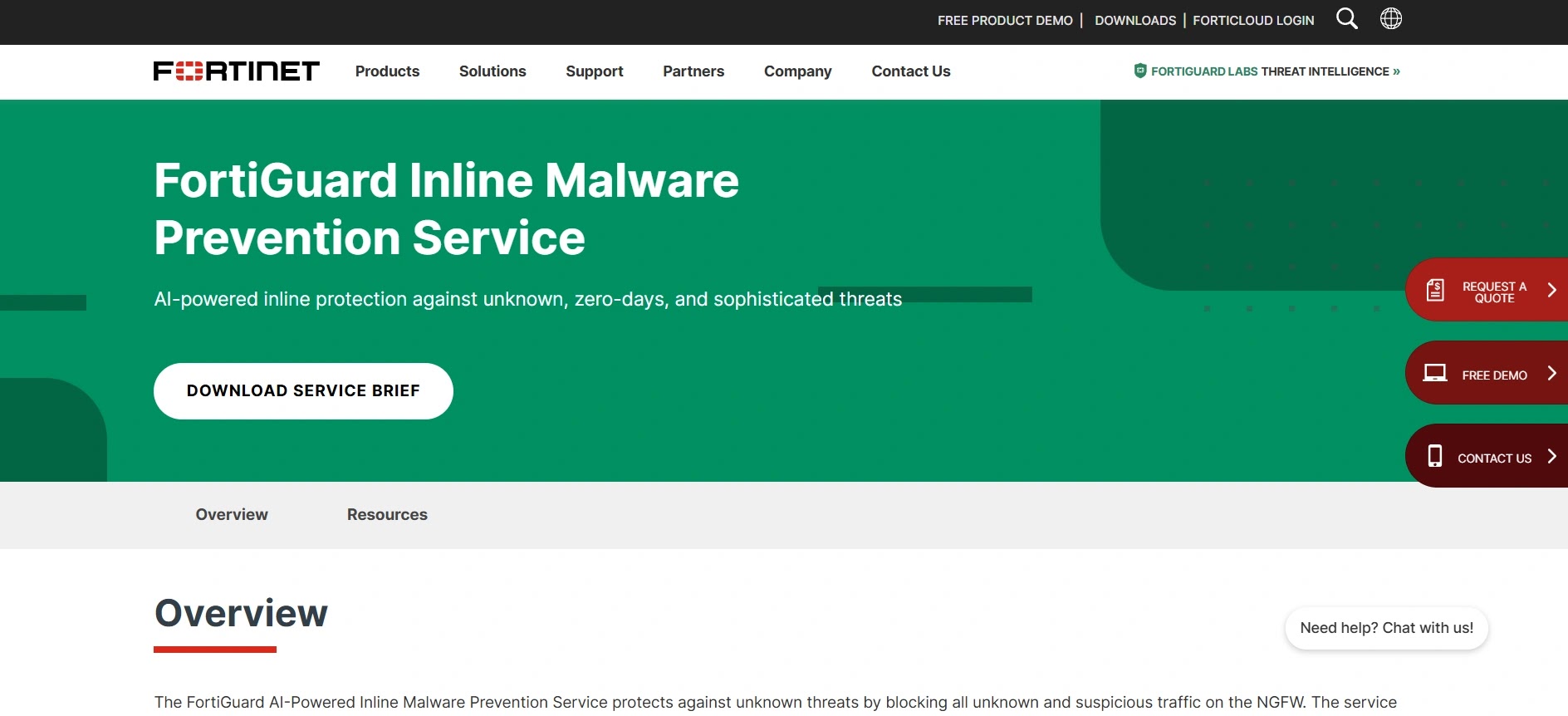
FortiSandbox is the threat analysis core of the Fortinet Security Fabric, offering a highly flexible and powerful environment for dynamic analysis.
It utilizes a dual-level AI approach to efficiently filter known threats before dedicating intense sandbox resources to unknown files.
It is particularly noted for its broad integration capabilities, not just within the Fortinet ecosystem, but also with third-party security vendors via robust APIs. This makes it a highly adaptable engine for diverse and complex network environments.
- Specifications: Available as a physical appliance, virtual machine, cloud service, and hosted service.
- Features: AI-powered static and dynamic analysis, broad OS support (Windows, macOS, Linux, Android), deep integration with FortiGate and FortiMail.
- Reason to Buy: Highly cost-effective and flexible deployment options with seamless enforcement across network, email, and endpoint vectors.
Why We Picked It
We picked FortiSandbox due to its remarkable flexibility in deployment and its comprehensive coverage across diverse operating systems, including mobile. Its native integration with Fortinet’s fabric allows for seamless, automated mitigation across all attack vectors.
Furthermore, its two-step AI filtering drastically improves analysis throughput by quickly eliminating benign files and known threats. This ensures that the heavy-lifting dynamic analysis is reserved purely for sophisticated, novel malware strains.
Pros:
- Excellent integration within the Fortinet ecosystem.
- Supports a wide variety of operating systems and file types.
- Flexible deployment options to suit any compliance need.
Cons:
- UI can feel slightly dated compared to newer cloud-native competitors.
- Configuration can be complex in heavily segmented networks.
Try FortiSandbox: Explore the Fortinet FortiSandbox Options6. Broadcom Symantec Content Analysis
Symantec Content Analysis acts as an advanced orchestration layer, utilizing multiple security engines—including its own robust sandbox—to deeply inspect web and email traffic.
It acts as the intelligent bridge between secure web gateways and endpoint protection.
By layering multiple analysis techniques (antivirus, dual-sandbox execution, and machine learning), it drastically reduces false positives. It is built to handle the massive throughput requirements of Fortune 500 enterprise networks without creating bottlenecks.
- Specifications: Available as hardware appliances, virtual appliances, and cloud-integrated services via Symantec Web Security Service.
- Features: Multi-engine scanning, customizable sandbox profiles, advanced threat scoring, integration with third-party sandboxes alongside its own.
- Reason to Buy: It offers a highly customizable and robust multi-layered inspection pipeline, ideal for enterprises requiring strict web traffic governance.
Why We Picked It
We selected Symantec Content Analysis because of its unique capability to broker files to multiple different sandboxing engines simultaneously. This multi-layered approach virtually eliminates the chance of sophisticated malware slipping through undetected.
Additionally, its ability to handle massive volumes of web traffic without degrading network performance is critical for large-scale operations. It provides a highly reliable, enterprise-grade safety net for all inbound content.
Pros:
- Multi-layered scanning reduces false positives.
- High-throughput capability for enterprise web gateways.
- Deep customization for specific threat profiles.
Cons:
- Deployment and policy configuration are highly complex.
- The Broadcom acquisition has caused shifts in support structures.
Try Broadcom Symantec Content Analysis: Explore the Symantec Advanced Threat Protection Suite7. Check Point SandBlast Network
Check Point SandBlast (now part of Harmony and Quantum) utilizes a unique OS-level evasion-resistant technology known as CPU-Level Threat Emulation.
By monitoring the CPU instruction flow, it identifies exploitation attempts before the malware can even begin to execute its payload.
Coupled with its Threat Extraction technology, which cleans documents of active content (like macros) and delivers a safe PDF to the user in real-time, SandBlast offers a highly proactive approach to preventing phishing attacks and malicious downloads.
- Specifications: Cloud-hosted, dedicated appliances, and integrated into Check Point Quantum Security Gateways.
- Features: CPU-level threat emulation, real-time threat extraction (CDR), comprehensive reporting mapped to MITRE ATT&CK.
- Reason to Buy: The combination of CPU-level analysis and instant document sanitization (CDR) provides outstanding protection against weaponized office documents.
Why We Picked It
We chose Check Point SandBlast because its CPU-level emulation catches exploits at the very moment they attempt to bypass OS memory protections. This makes it incredibly difficult for threat actors to design malware that can evade detection.
Furthermore, its Threat Extraction feature ensures business continuity by delivering safe, sanitized files to users instantly while the original is analyzed. This eliminates the frustrating delays typically associated with traditional sandbox quarantine holds.
Pros:
- Highly effective CPU-level exploit detection.
- Threat Extraction (CDR) provides instant, safe file delivery.
- Excellent visual reporting for security analysts.
Cons:
- Requires integration with Check Point gateways for maximum ROI.
- On-premises management interfaces can be resource-intensive.
Try Check Point SandBlast Network: Explore the Check Point Harmony Platform8. Kaspersky Sandbox
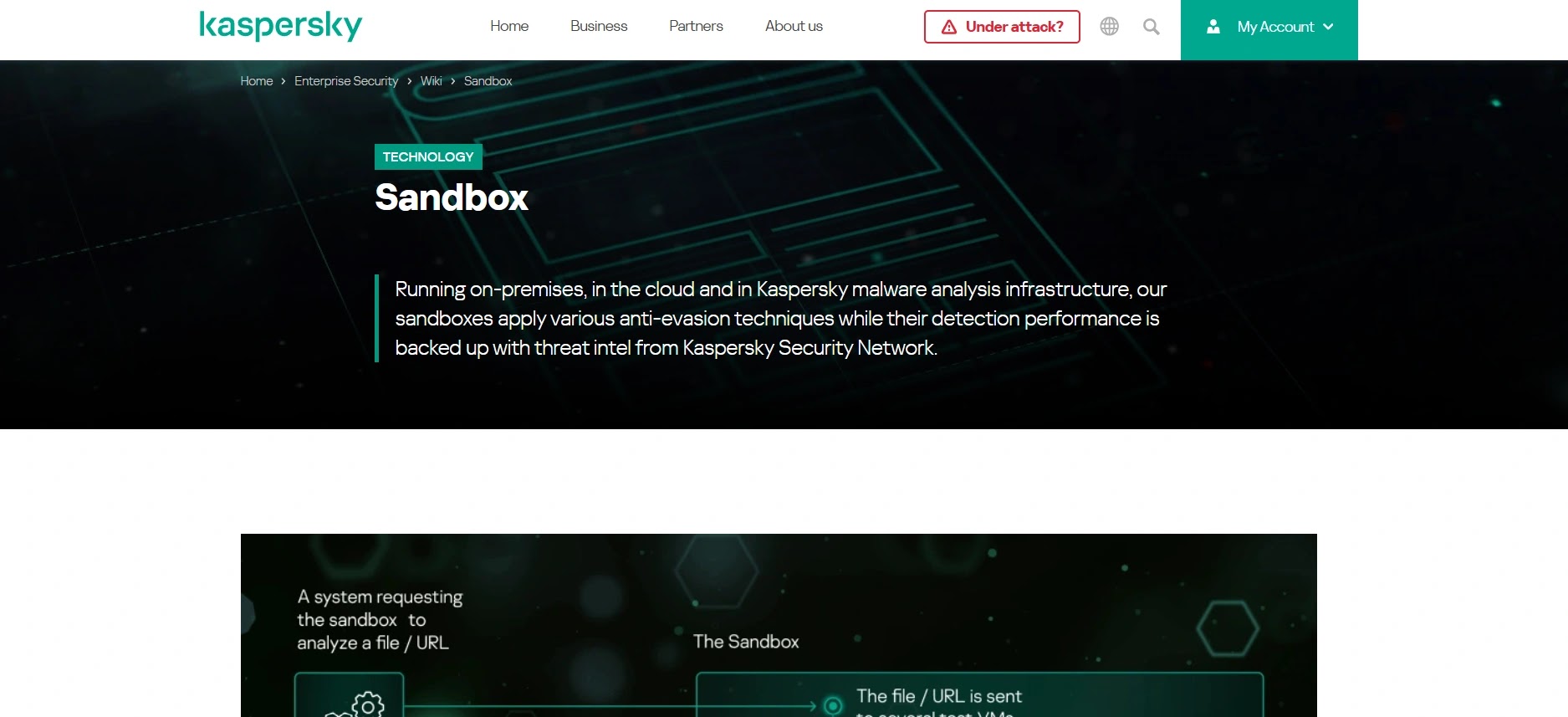
Kaspersky Sandbox is designed to bolster endpoint security by automatically escalating suspicious files from the endpoint to a centralized, on-premises detonation environment. It is built to augment organizations that may not have dedicated reverse engineering teams.
The platform uses a heavily customized Windows environment that simulates normal user activity to trick malware into executing. It seamlessly generates blocking policies and distributes them back to Kaspersky Endpoint Security clients automatically.
- Specifications: Purely on-premises or private cloud virtual appliance designed to work alongside Kaspersky Endpoint Security.
- Features: Automated threat response, advanced anti-evasion technologies, human-activity simulation, rapid IOC distribution.
- Reason to Buy: Highly automated and optimized for organizations that need powerful sandboxing without the overhead of hiring dedicated malware analysts.
Why We Picked It
We selected Kaspersky Sandbox because of its exceptional “set-it-and-forget-it” automation capabilities when paired with their endpoint protection. It dramatically reduces the workload on SOC analysts by automating the entire analysis and remediation loop.
Additionally, its sophisticated human simulation scripts effectively coax highly evasive, environmentally aware malware into revealing its true behavior. This ensures that dormant threats are accurately categorized and blocked across the network.
Pros:
- Excellent automation for understaffed SOCs.
- Strong simulated user interactions defeat evasive malware.
- Tight, native integration with Kaspersky endpoints.
Cons:
- Geopolitical concerns may restrict usage in certain regions.
- Lacks the deep, manual interactive capabilities of competitors.
Try Kaspersky Sandbox: Explore the Kaspersky Sandbox Enterprise Solutions9. Trend Vision One (Sandbox Component)

The sandbox functionality within Trend Vision One (formerly Deep Discovery) is a core component of Trend Micro’s broader XDR strategy.
It specializes in custom sandbox image creation, allowing organizations to exactly match their standard desktop builds for highly accurate detonation.
It provides deep visibility into lateral movement and command-and-control communications, feeding this telemetry directly into the Vision One platform for cross-layered threat hunting and rapid incident response.
- Specifications: Available as a standalone appliance, virtual machine, and fully integrated SaaS component of Trend Vision One.
- Features: Custom sandbox image deployment, extensive multi-protocol monitoring, deep XDR integration, strong detection of targeted APTs.
- Reason to Buy: Best for organizations that require custom OS images to detect highly targeted attacks specifically designed to exploit their unique environment.
Why We Picked It
We picked Trend Vision One because its ability to utilize highly customized, golden-image OS builds prevents attackers from detecting generic sandbox environments.
This makes it exceptionally effective at identifying advanced persistent threats (APTs) targeting specific corporate configurations.
Furthermore, its native integration into the Vision One XDR platform means that a sandbox detonation instantly correlates with endpoint, email, and cloud telemetry. This provides security teams with a unified, comprehensive view of the entire attack lifecycle.
Pros:
- Superb custom OS image deployment capabilities.
- Feeds high-fidelity data directly into XDR workflows.
- Strong track record against targeted ransomware.
Cons:
- Managing custom images requires significant administrative upkeep.
- Reporting can be dense for junior tier-1 analysts.
Try Trend Vision One: Explore the Trend Vision One Platform10. CrowdStrike Falcon Sandbox
CrowdStrike Falcon Sandbox is a premier automated malware analysis platform that performs deep, comprehensive investigations of evasive and unknown threats.
It specializes in extracting actionable indicators of compromise (IOCs) and detailed threat intelligence by analyzing files and URLs in a secure, highly controlled environment designed to thwart advanced anti-sandbox evasion techniques.
It provides deep visibility into the execution lifecycle of malicious payloads, feeding this telemetry directly into the broader CrowdStrike Falcon platform to enrich endpoint detection and response (EDR) workflows and accelerate incident response.
- Specifications: Available as a standalone on-premises appliance, virtual machine, and fully integrated cloud-hosted SaaS solution.
- Features: Advanced anti-evasion technology, comprehensive MITRE ATT&CK® mapping, automated IOC extraction, global threat intelligence integration, and extensive REST API support.
- Reason to Buy: Best for mature security operations centers (SOCs) that require deep forensic analysis and seamless integration with existing EDR and threat intelligence workflows.
Why We Picked It
We picked CrowdStrike Falcon Sandbox because of its industry-leading anti-evasion capabilities.
Modern malware is increasingly adept at detecting virtual environments, but Falcon Sandbox utilizes advanced kernel-level monitoring to ensure that even the most sophisticated threats detonate and reveal their true behavior.
This makes it exceptionally effective at unpacking zero-day threats and complex targeted attacks that might slip past traditional network defenses or less stealthy sandbox tools.
Furthermore, its tight integration with CrowdStrike’s global threat intelligence network means that every analysis benefits from massive crowdsourced data.
This provides security teams with immediate context, attributing attacks to known threat actors and streamlining the remediation process.
Pros:
- Industry-leading anti-evasion and kernel-level analysis capabilities.
- Seamless integration with the broader CrowdStrike EDR ecosystem.
- Generates highly detailed, actionable threat intelligence and IOC reports.
Cons:
- Can be a premium investment for smaller organizations with limited security budgets.
- The sheer volume of forensic data can be overwhelming for less experienced analysts.
Try CrowdStrike Falcon Sandbox: Explore the CrowdStrike Falcon Sandbox PlatformThe post Top 10 Best Malware Sandbox Tools for Security Teams in 2026 appeared first on Cyber Security News.